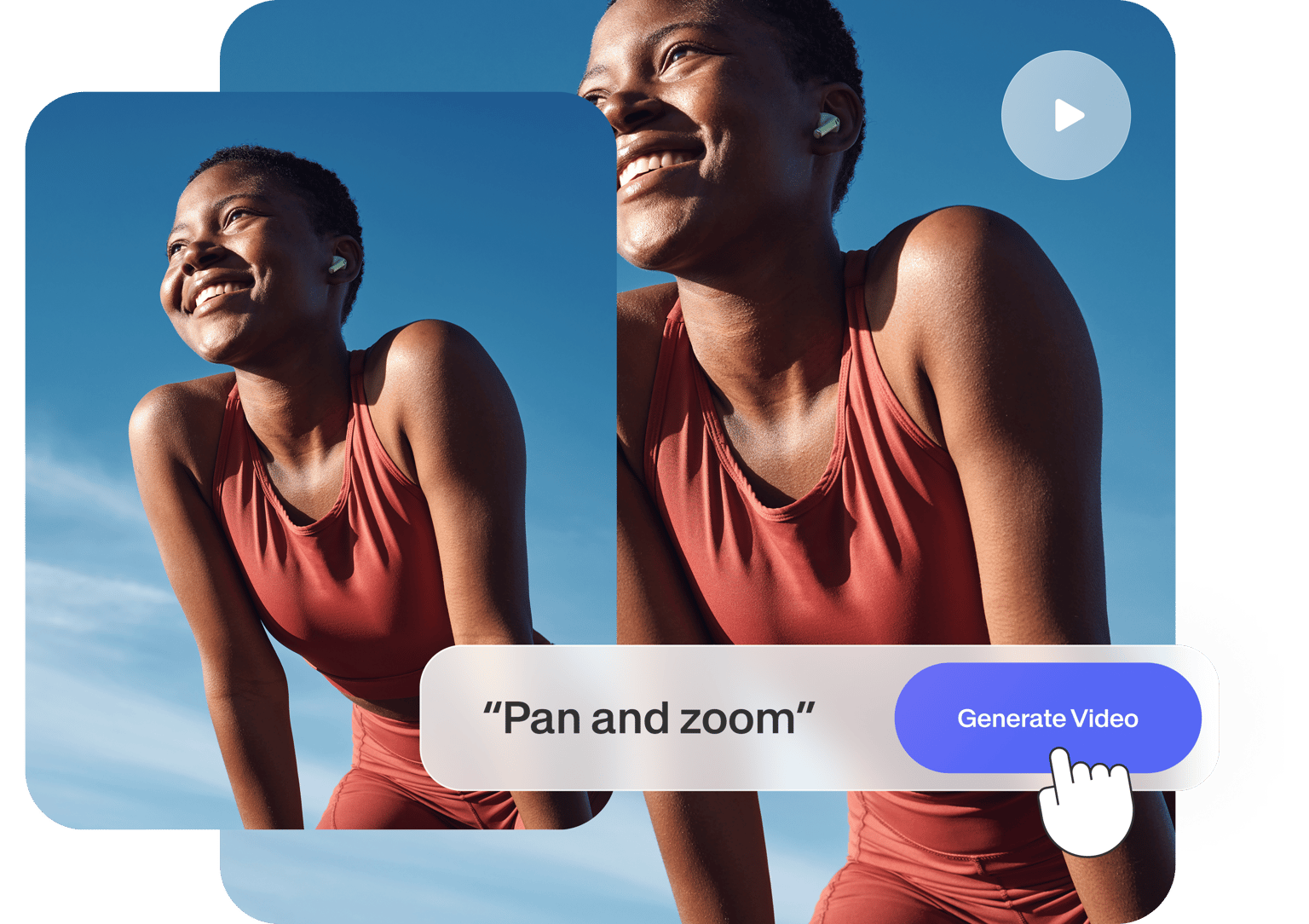

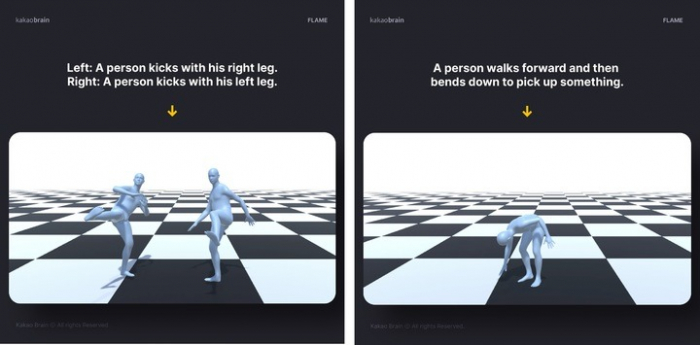
Static images are powerful, but motion adds life. AI image-to-video technology allows creators to transform simple photos into dynamic videos with realistic movement. This blog explains how AI converts images into motion, even without actual video footage.
What Is Image-to-Video AI?
Image-to-video AI takes a still image and adds:
- Camera movement
- Facial expressions
- Environmental motion
- Lighting changes
- Depth effects
The result looks like a real video, even though no footage was recorded.
How AI Understands an Image
AI analyzes:
- Subject position
- Background depth
- Light direction
- Object boundaries
- Facial landmarks
Using this data, AI predicts how motion should behave naturally.
Types of Motion AI Can Create
- Slow zoom in or zoom out
- Head and eye movement
- Hair and cloth motion
- Environmental movement (smoke, rain, dust)
- Camera rotation
Why Image-to-Video AI Is Popular
- No shooting required
- Ideal for reels and shorts
- Works with old photos
- Saves time and money
Common Applications
- AI portraits
- Wedding invitation videos
- Product promotions
- Story-based reels
- Historical image restoration
Challenges in Image-to-Video AI
- Over-animation
- Motion artifacts
- Limited frame consistency
Best Practices
- Use high-quality images
- Avoid cluttered backgrounds
- Keep motion subtle
- Test multiple variations
Conclusion
Image-to-video AI bridges the gap between photography and filmmaking. It empowers creators to bring still visuals to life with minimal effort.