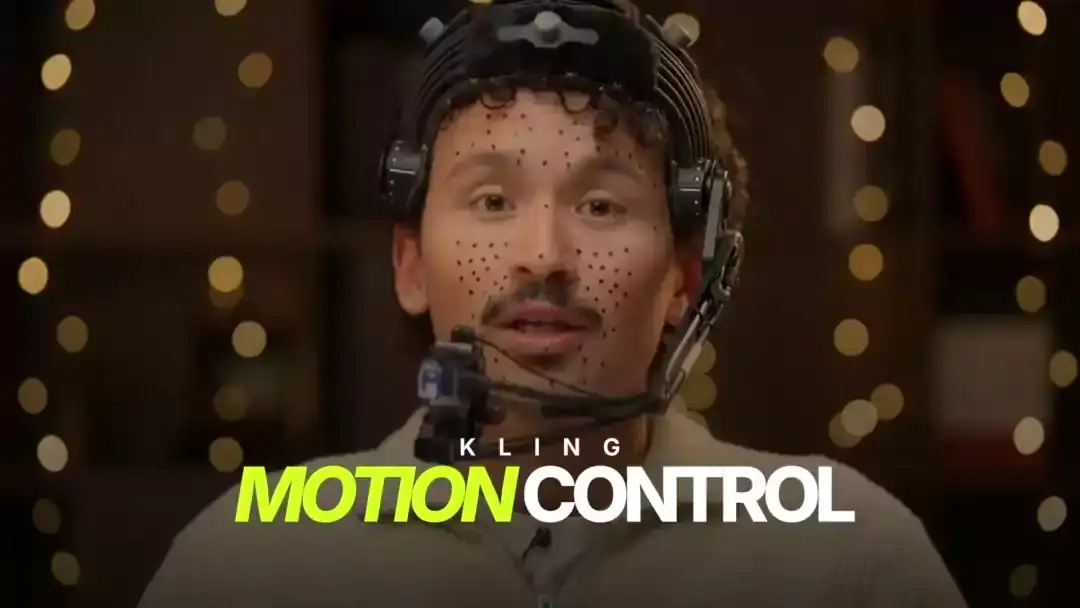
Many beginners struggle with AI video results because they ignore motion prompts. Motion prompts control how the camera and subjects move. This blog explains what AI motion prompts are, why they matter, and how to use them correctly.
What Is a Motion Prompt?
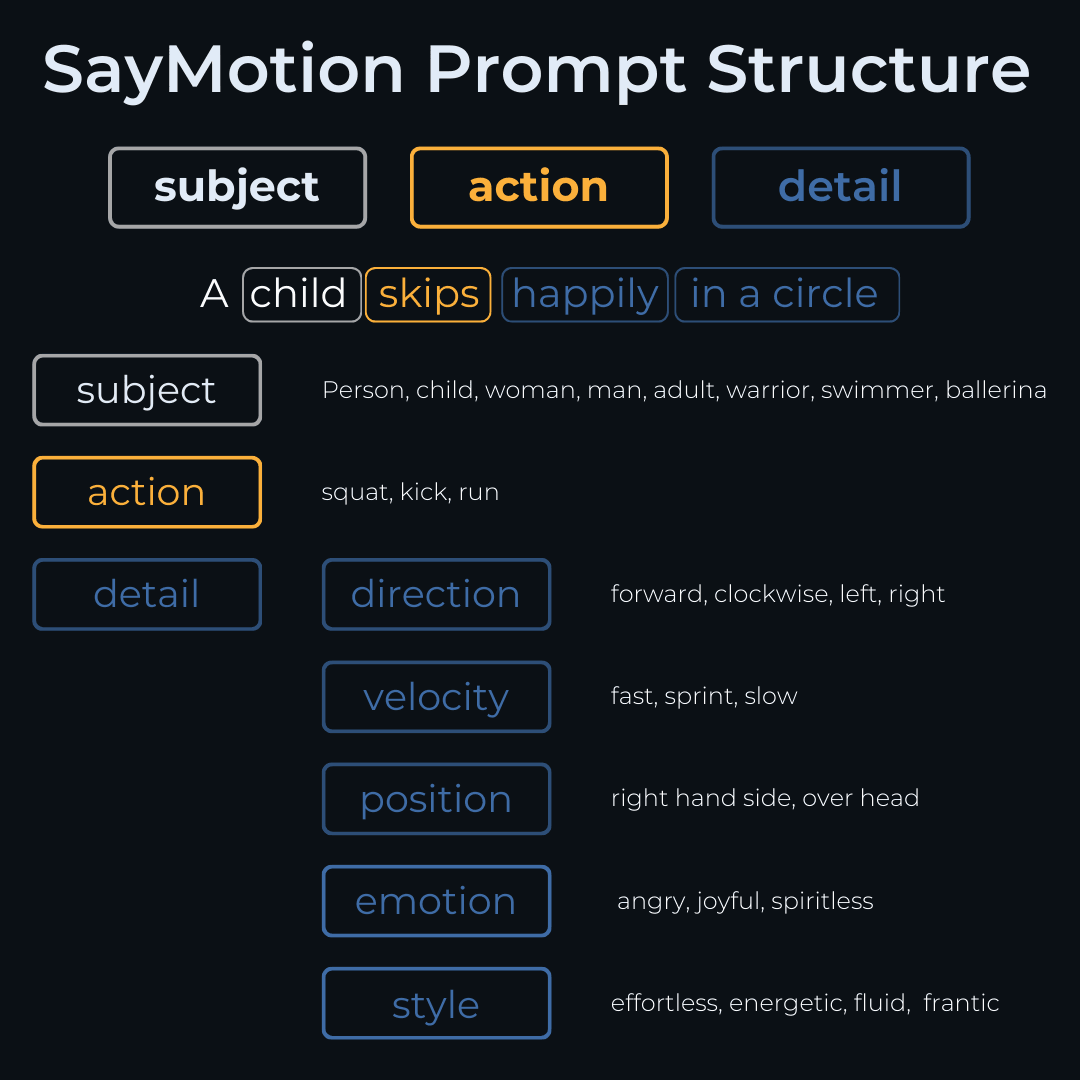
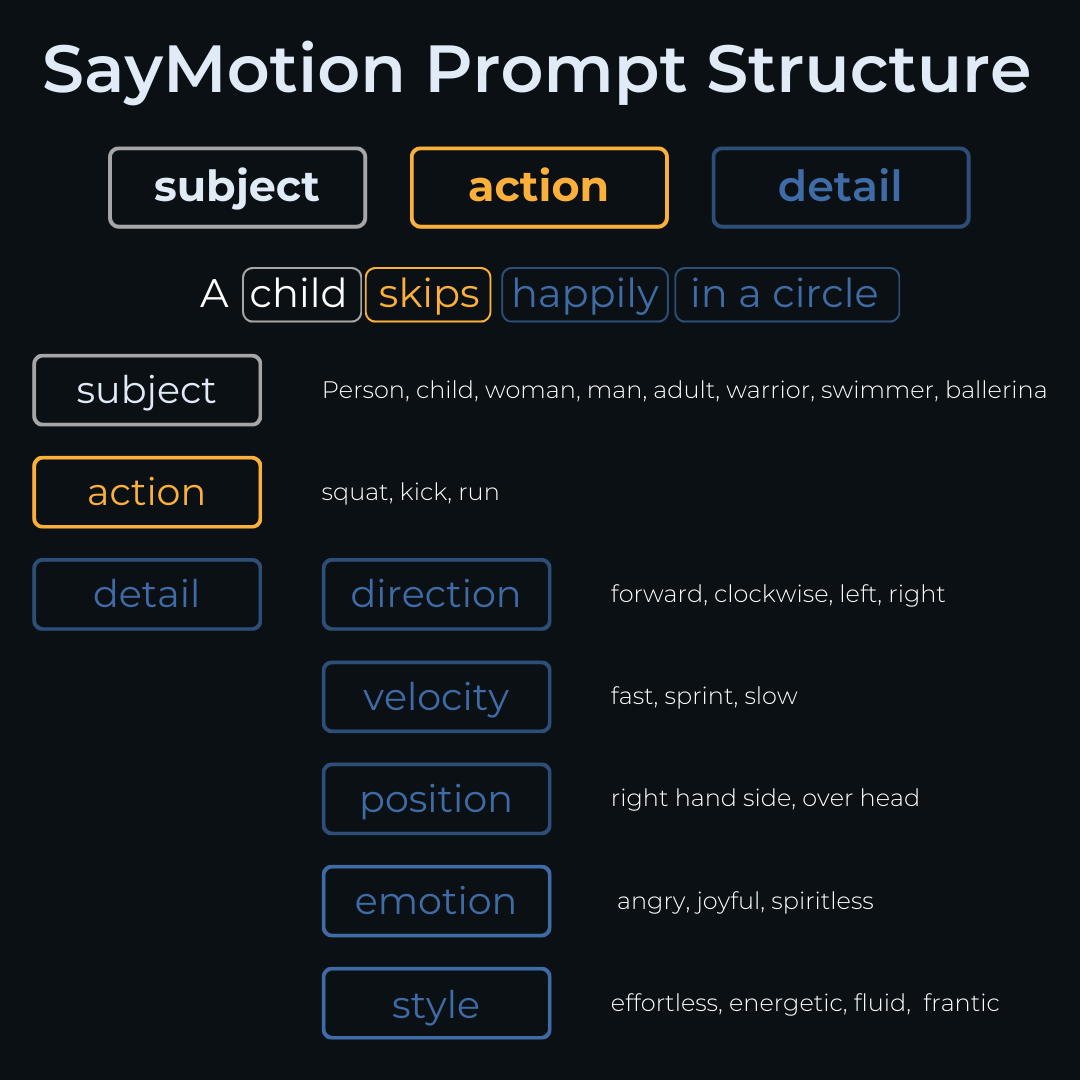
A motion prompt describes:
- Camera movement
- Subject motion
- Scene transitions
- Speed and direction
Without motion prompts, AI videos look static and lifeless.
Examples of Motion Prompts
- “Slow cinematic dolly-in shot”
- “Camera rotates from front to top view”
- “Subject walks forward naturally”
- “Soft handheld camera movement”
How AI Uses Motion Prompts
AI converts text instructions into:
- Frame-to-frame transitions
- Depth movement
- Parallax effects
- Realistic motion physics
Importance of Camera Angles
Mentioning camera angles improves realism:
- Wide shot
- Close-up
- Drone shot
- Side profile
- Over-the-shoulder
Common Mistakes
- Overloading prompts
- Conflicting instructions
- Unrealistic speed
- Ignoring scene scale
Tips for Beginners
- Start simple
- Focus on one motion at a time
- Avoid complex transitions
- Test multiple versions
Conclusion
Motion prompts are the backbone of AI video realism. Mastering them transforms average AI clips into cinematic visuals.