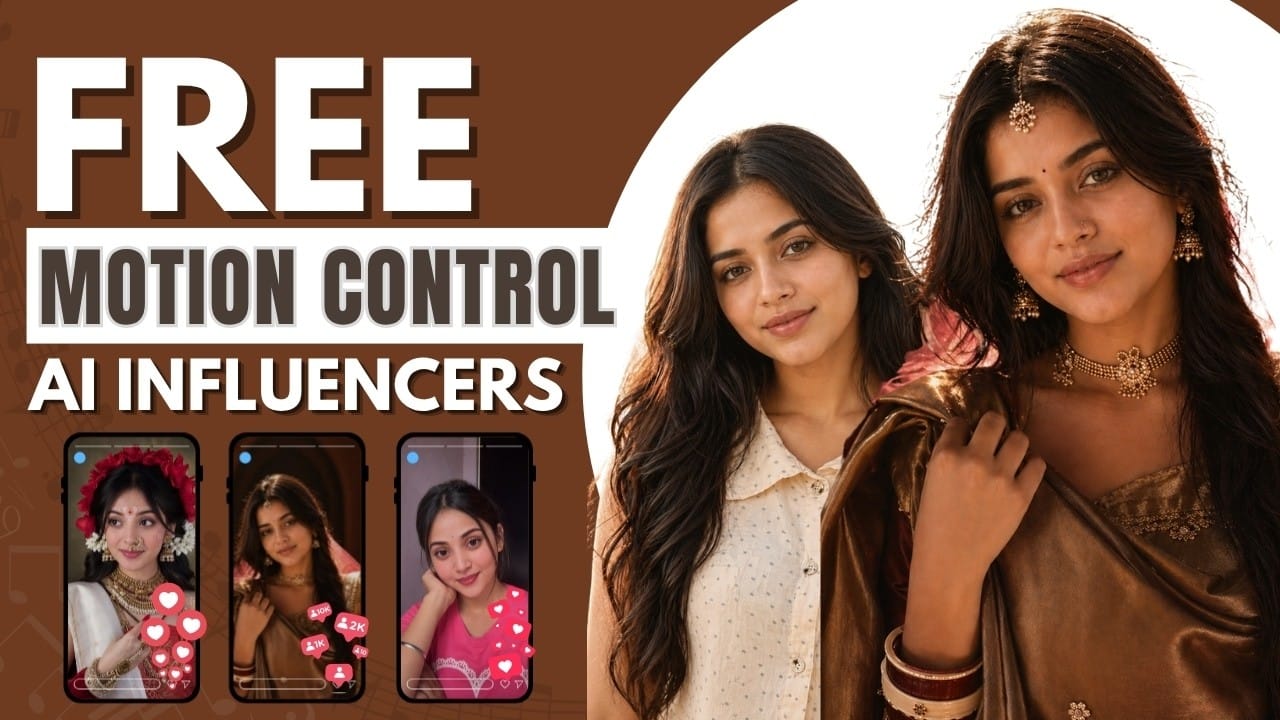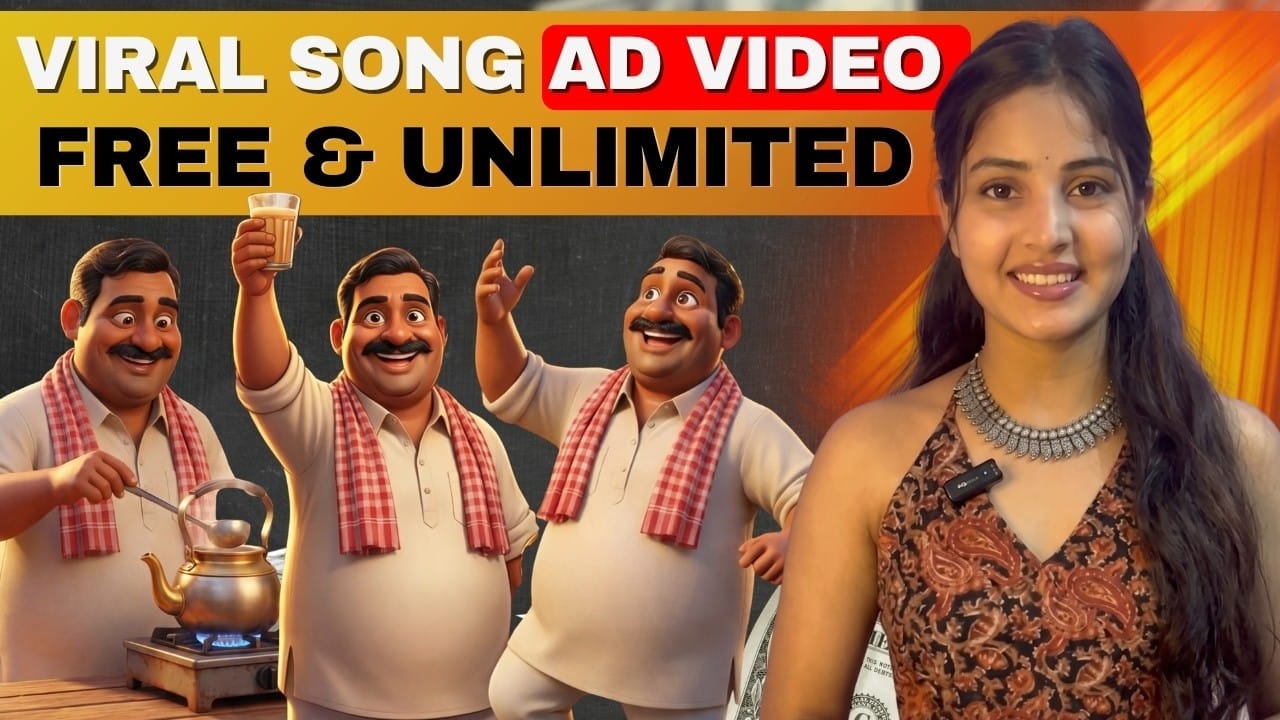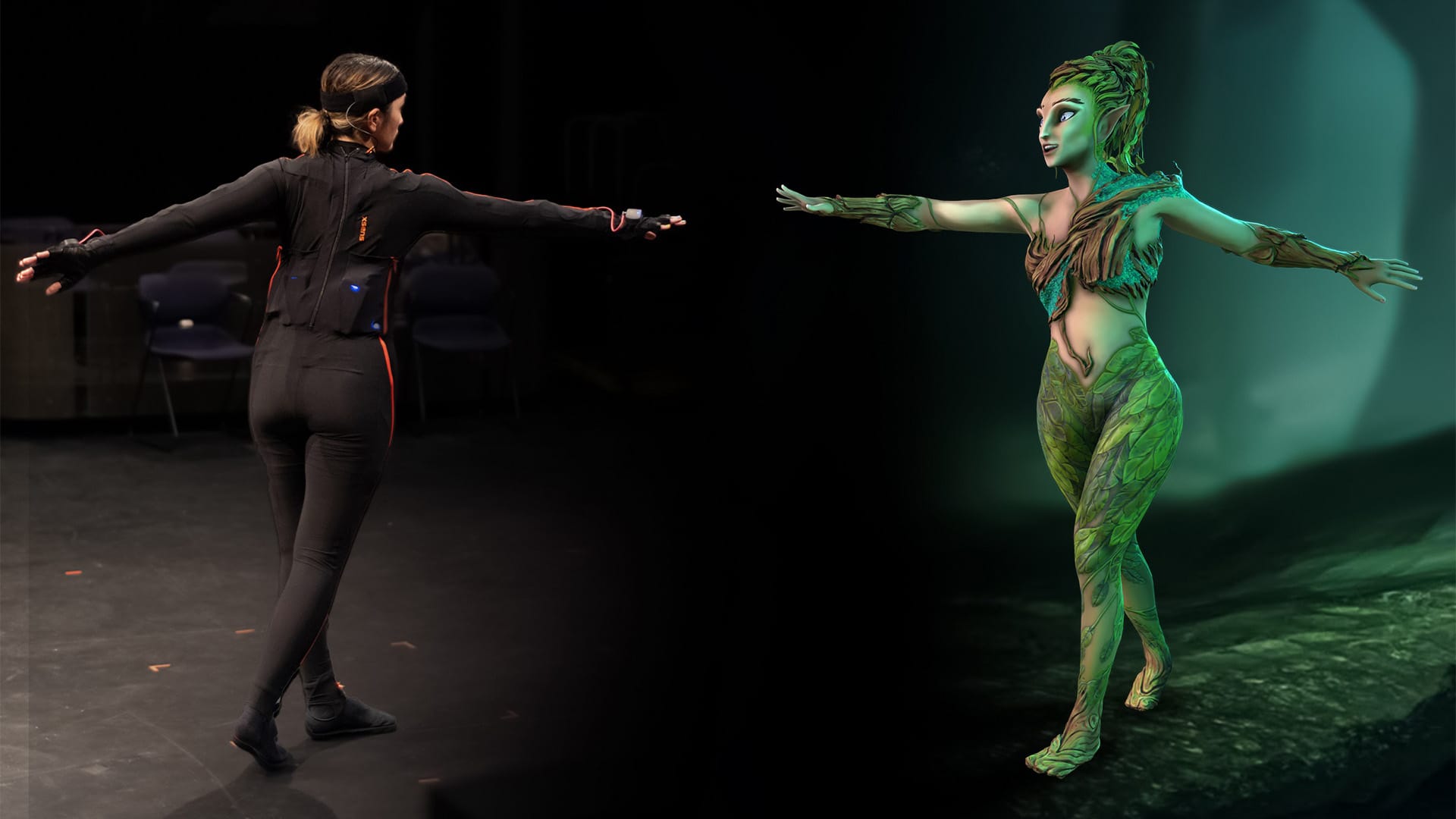


Have you ever wished your photo could dance, act, and talk like a real person?
With AI, this is now possible — and incredibly easy.
This blog explains the complete workflow from photo upload to viral AI dance video creation.
What Makes This AI Workflow Special?
✔ No advanced prompt writing
✔ No animation skills needed
✔ Works with your own photo
✔ Realistic motion & expressions
Step 1: Choose the Right Photo
Your results depend heavily on this step.
Photo Guidelines
✔ Full body visible
✔ Neutral pose preferred
✔ Good lighting
✔ Clear background
Avoid:
❌ Sitting poses
❌ Cropped photos
❌ Group photos
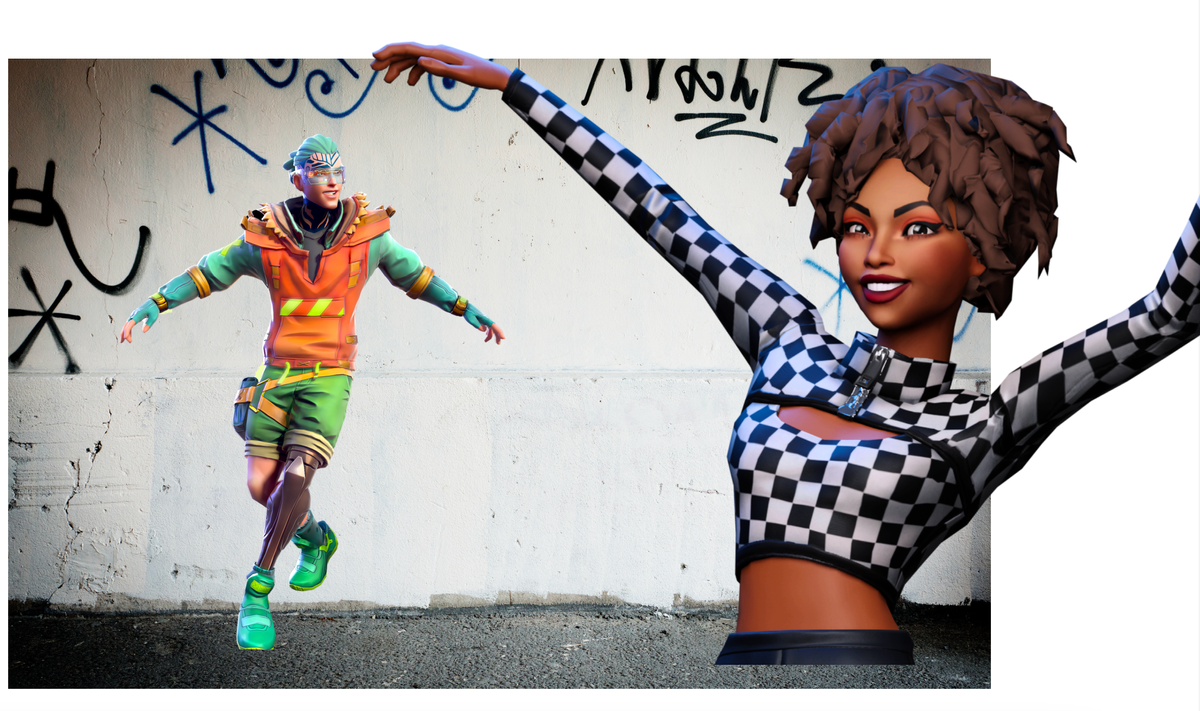
Step 2: Convert Photo into Pixar-Style Avatar
Upload your image to ChatGPT and use:
Convert this image into Pixar style
This creates:
- Smooth cartoon look
- Accurate face matching
- Outfit preservation
Save this image carefully.
Step 3: Apply Dance Motion Using Kling AI
- Open Kling AI
- Click Video → Motion Control
- Upload your character image
- Upload a dance reference clip
📌 The reference video controls:
- Dance steps
- Speed
- Movement flow
Step 4: Generate AI Dance Video
- Credits will be shown
- Click Generate
- Processing starts
Once completed, preview and download your video.
Advanced Feature: Dialogue & Acting
You can also:
- Make the character speak
- Add emotional expressions
- Sync voice with lips
- Create acting scenes
🎥 Watch full tutorial:
https://www.youtube.com/watch?v=x3GLABYSQbA
Where Can You Use These Videos?
- Viral reels & shorts
- AI learning channels
- Digital creators
- Brand storytelling
- Entertainment pages
Conclusion
AI animation has removed all technical barriers.
Now anyone can create animated dancing and talking characters using just a photo.
If you want to stand out on social media — this is the future.
✨ Start creating. Start experimenting. Go viral.