Introduction
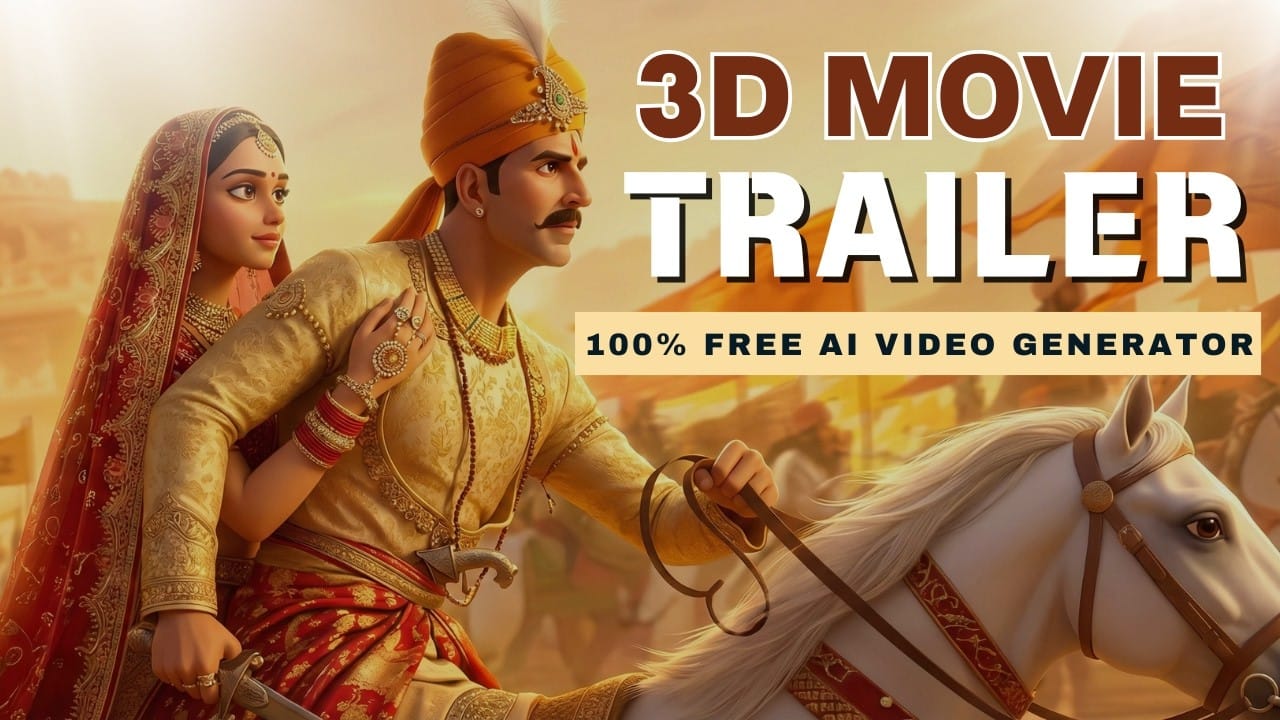
Creating a cinematic movie trailer once required expensive cameras, actors, editing teams, and huge budgets. But today, AI has changed everything. With the help of FREE AI tools, anyone can create professional film trailers from their laptop.
Whether you’re a YouTube creator, filmmaker, or beginner, you can now generate cinematic visuals, voice-overs, music, and animations using artificial intelligence.
Watch the full tutorial here:
https://www.youtube.com/watch?v=UpezFV-y44o
Step 1: Plan Your Story and Script
Every cinematic trailer starts with a powerful story. Before using AI tools, plan your trailer structure.
You need to decide:
- Character identity
- Story theme
- Scene sequence
- Dialogue or narration
- Emotional tone
Example cinematic dialogue:
“True successors are chosen by courage, not by blood.”
Strong storytelling creates emotional impact and makes your trailer engaging.
Step 2: Generate Cinematic Images Using FREE AI
Once your script is ready, the next step is generating cinematic visuals.
AI image generators can create realistic movie-like scenes.
Example prompt you can use:
- cinematic warrior king
- dramatic lighting
- realistic face
- battlefield environment
- cinematic atmosphere
You can generate multiple images for different scenes like:
- character introduction
- war preparation
- emotional close-up
- action scenes
AI allows unlimited creativity.
Step 3: Turn Images into Cinematic Video Clips
Static images alone are not enough. To create a trailer, you need motion.
AI video tools can animate images with cinematic camera movement.
Example motion effects:
- slow zoom-in
- cinematic pan movement
- dramatic character motion
- realistic animation
This makes the visuals feel like real movie footage.
Step 4: Generate AI Voice-Over
Voice-over adds life to your trailer.
AI voice tools can generate realistic narration.
Example trailer dialogue:
“If war is what they want, war is what they shall get.”
Choose:
- cinematic voice
- emotional tone
- correct language
This makes your trailer sound professional.
Step 5: Create Cinematic Background Music
Music plays a major role in creating emotional impact.
AI music tools can generate:
- epic trailer music
- emotional cinematic music
- dramatic orchestral music
This enhances the overall experience.
Step 6: Combine Everything and Edit
Finally, use video editing software to combine:
- AI video clips
- AI voice-over
- AI music
Arrange scenes in sequence to create a cinematic trailer.
Final Result
You will get a professional-quality cinematic trailer created using free AI tools.
This method saves:
- Time
- Money
- Effort
And gives high-quality results.
Conclusion
AI has made cinematic video creation easy and accessible for everyone. You no longer need expensive equipment to create professional trailers.
Watch the full tutorial here:
https://www.youtube.com/watch?v=UpezFV-y44o
Start creating your cinematic trailer today using AI.