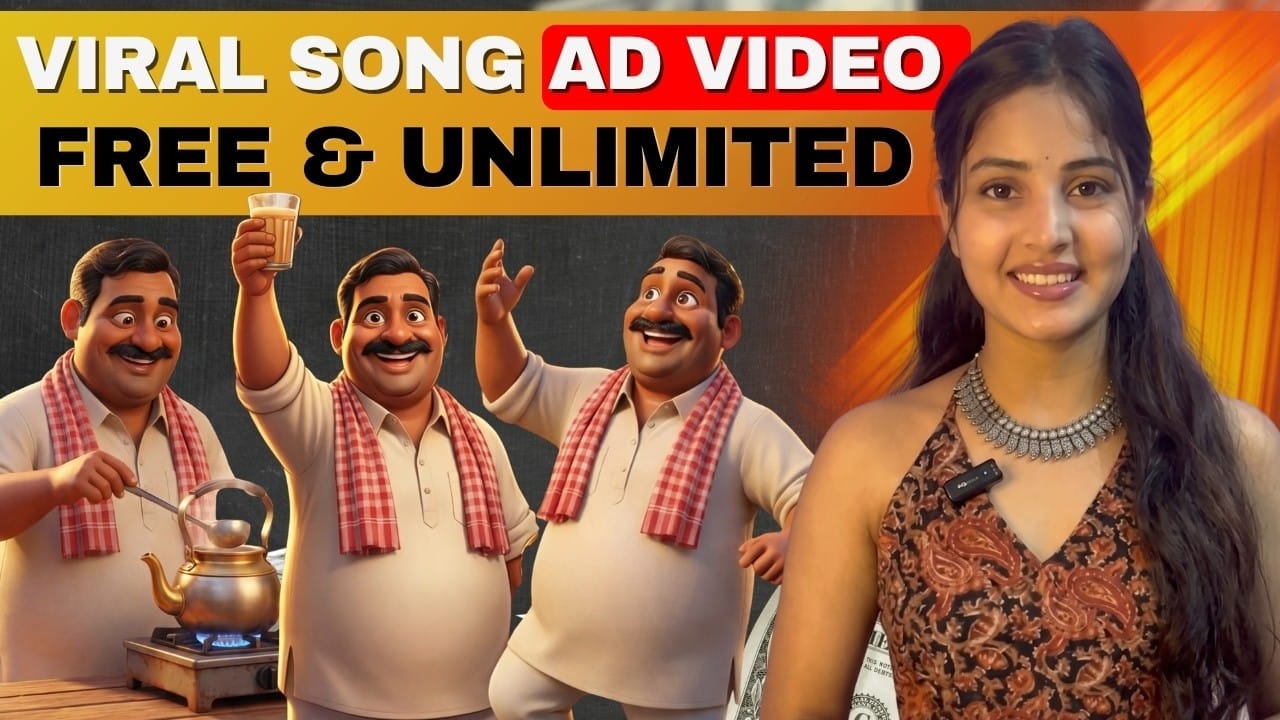
Imagine this…
A small chai shop on a street corner suddenly goes viral — not because of a big budget, but because of a fun, musical, story-based ad created using AI.
Sounds interesting, right?
Today, AI has made it possible for anyone — even small businesses — to create cinematic, engaging, and viral ad videos without expensive production.
In this guide, you’ll learn exactly how to create AI-powered song-based ads step by step, using free tools.
The Secret Behind Viral AI Ads
Before jumping into tools, understand one thing:
👉 A good ad is not about visuals only — it’s about feeling + connection
Every successful ad includes:
- Emotion (fun, excitement, curiosity)
- Clear brand presence
- Relatable moments for audience
If your ad has these 3 elements, it won’t feel “AI-generated” — it will feel real.
Step 1: Start with a Powerful Idea (Using AI)
Everything begins with the idea.
Use ChatGPT and give a simple instruction like:
- “Create a funny, energetic, song-based ad for a chai shop”
- Add your brand name
- Mention tone (funny, suspenseful, not emotional)
ChatGPT will generate:
- Multiple ad ideas
- Scene-by-scene breakdown
- Song lyrics
💡 Pro Tip:
Don’t accept the first result — refine until it feels natural and relatable.
Step 2: Create Catchy Song Lyrics
A song is the backbone of your ad.
Make sure your lyrics are:
- Rhyming properly
- Easy to remember
- Energetic and fun
If something feels off (like poor rhyme or dull lines), simply ask AI to improve it.
👉 Example idea:
A chai shop where customers take a sip and suddenly start dancing — turning a normal moment into a musical experience.
Step 3: Convert Lyrics into Music (AI Tool)
Use AI music generators like Suno AI.
Key rule:
👉 Always match language correctly
- Hindi song → Hindi lyrics
- Avoid English-written Hindi
Then:
- Paste lyrics
- Remove unnecessary tags (intro, hook, etc.)
- Add style (fun, desi, energetic)
- Generate music
You’ll get multiple versions — choose the one with the best vibe.
Step 4: Turn Story into Video (AI Animation Tools)
Now comes the magic ✨
Use tools like Anijam AI to generate the video automatically.
What you need to do:
- Paste your story + lyrics
- Select:
- Target audience
- Platform (Reels/Shorts)
- Aspect ratio (9:16)
- Choose style (e.g., 3D Pixar style)
The AI will generate:
- Full storyboard
- Scene breakdown
- Characters
- Backgrounds
No manual design required.
Step 5: Fix & Improve Scenes Easily
Sometimes AI creates small mistakes:
- Wrong characters
- Different environment
- Inconsistent style
No problem.
Just give a simple instruction like:
👉 “Regenerate this scene with same characters and shop design”
AI will fix it instantly.
Step 6: Generate Remaining Clips (Free Hack)
If your credits finish:
- Download images from AI tool
- Use free tools like Google Veo (image-to-video)
This way:
- You save money
- You complete the project without limits
Step 7: Final Editing = Viral Output
Now combine everything in an editing tool:
- Add your song
- Arrange clips based on beat
- Use:
- Slow motion for emotional parts
- Fast cuts for energetic scenes
- Smooth transitions
👉 This step turns a normal AI video into a viral-level ad
Why This Method Works So Well
- No expensive shoot required
- No actors needed
- Fully automated workflow
- High-quality cinematic output
- Perfect for small businesses
Most importantly —
👉 It creates engagement, not just views
Final Thought
AI is not just a tool — it’s your creative partner
If you combine:
- Good storytelling
- Catchy music
- Smart AI tools
You can create ads that:
- Grab attention
- Make people smile
- And turn viewers into customers