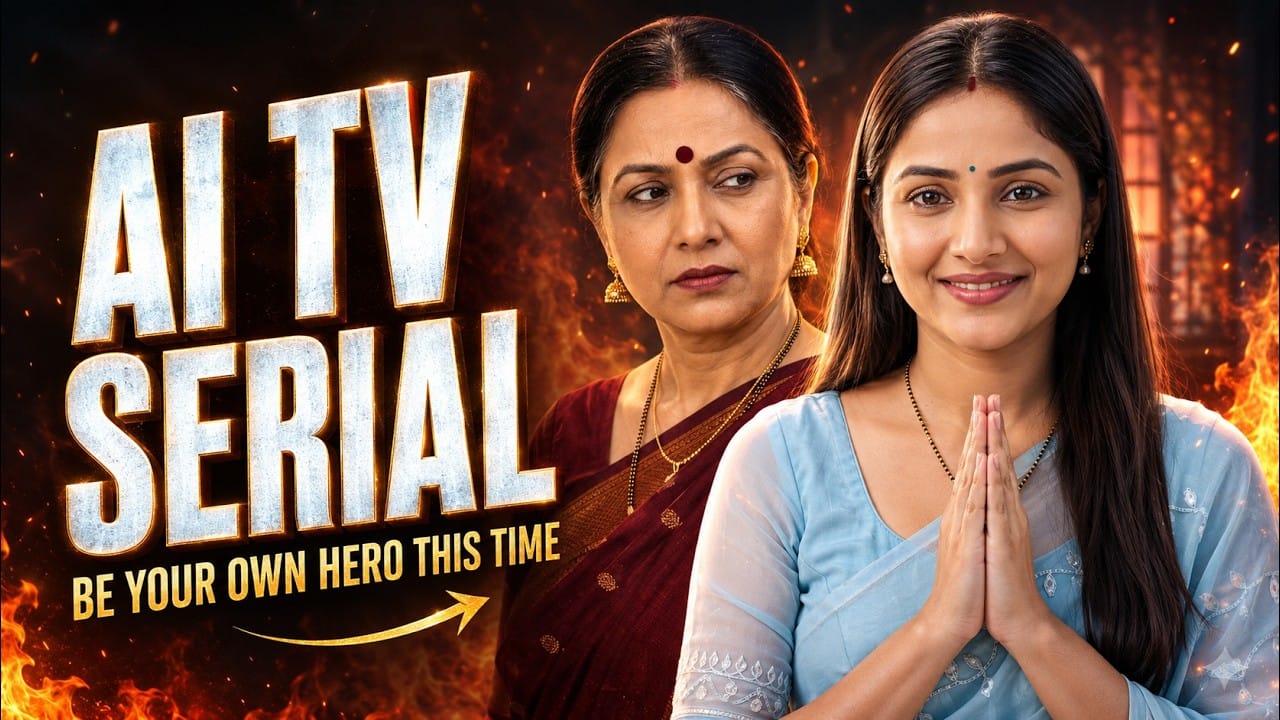
Artificial intelligence has made it possible for anyone to produce professional-quality story videos without a production team. From creating realistic characters to generating natural conversations and cinematic scenes, modern AI tools can now handle almost every stage of video production.
This guide explains a complete workflow for building AI story videos that look consistent, feel engaging, and are suitable for YouTube, social media, or web series.
Plan Your Story Before Using AI
Many creators jump straight into generating images or videos, but the best results come from careful planning.
Prepare your story by defining:
- Main plot
- Characters
- Locations
- Scene sequence
- Dialogues
- Camera movements
- Emotional moments
A detailed plan helps AI understand your vision and produces more consistent results across every scene.
Design Consistent Characters
Character consistency is one of the most important aspects of AI storytelling.
Create detailed profiles that include:
- Physical appearance
- Clothing
- Hairstyle
- Facial features
- Personality
- Expressions
- Speaking style
Use these profiles as reusable prompts throughout your project to maintain the same identity from beginning to end.
Save Characters for Future Episodes
Once a character is created successfully, save it as a reusable asset.
This allows you to produce multiple episodes without recreating the character each time.
A reusable character library also speeds up production for long-running AI series.
Create Matching Locations
Visual consistency doesn’t stop with characters.
Recurring locations such as homes, offices, parks, or classrooms should also have dedicated prompts.
Using the same environment across different scenes makes your story feel realistic and connected.
Generate Reference Images First
Before making videos, create reference images for every character and location.
These references help AI maintain:
- Similar lighting
- Matching composition
- Consistent backgrounds
- Stable character appearance
The result is a much smoother viewing experience.
Improve Images with AI Editing
Instead of generating a new image every time something looks wrong, edit the existing image.
You can easily:
- Remove unwanted objects
- Replace backgrounds
- Fix character details
- Improve composition
Small edits often produce better consistency than starting over.
Build Every Scene Individually
Generate each scene separately instead of trying to create an entire episode in one prompt.
This gives you better control over:
- Camera angles
- Character movement
- Expressions
- Dialogue timing
Individual scenes are also much easier to refine.
Maintain Voice Consistency
Assign every dialogue to the correct character to keep voices consistent throughout the story.
This prevents different characters from speaking with the wrong voice and creates a much more immersive experience.
Regenerate for Better Quality
AI generation isn’t always perfect.
Generate multiple versions of important scenes and choose the strongest one.
Some versions may have:
- Better acting
- Better expressions
- Better dialogue
- Better visuals
Professional creators often combine the best parts from different generations.
Edit Everything Together
After generating all scenes, combine them inside your preferred video editor.
During editing you can:
- Improve pacing
- Replace weak dialogue
- Remove AI errors
- Add transitions
- Enhance storytelling
Editing remains one of the most important parts of AI filmmaking.
Final Thoughts
AI has dramatically simplified story production, but quality still depends on planning, consistency, and editing. By developing reusable characters, consistent locations, detailed prompts, and a structured workflow, creators can produce professional AI story videos without expensive equipment or large production teams.