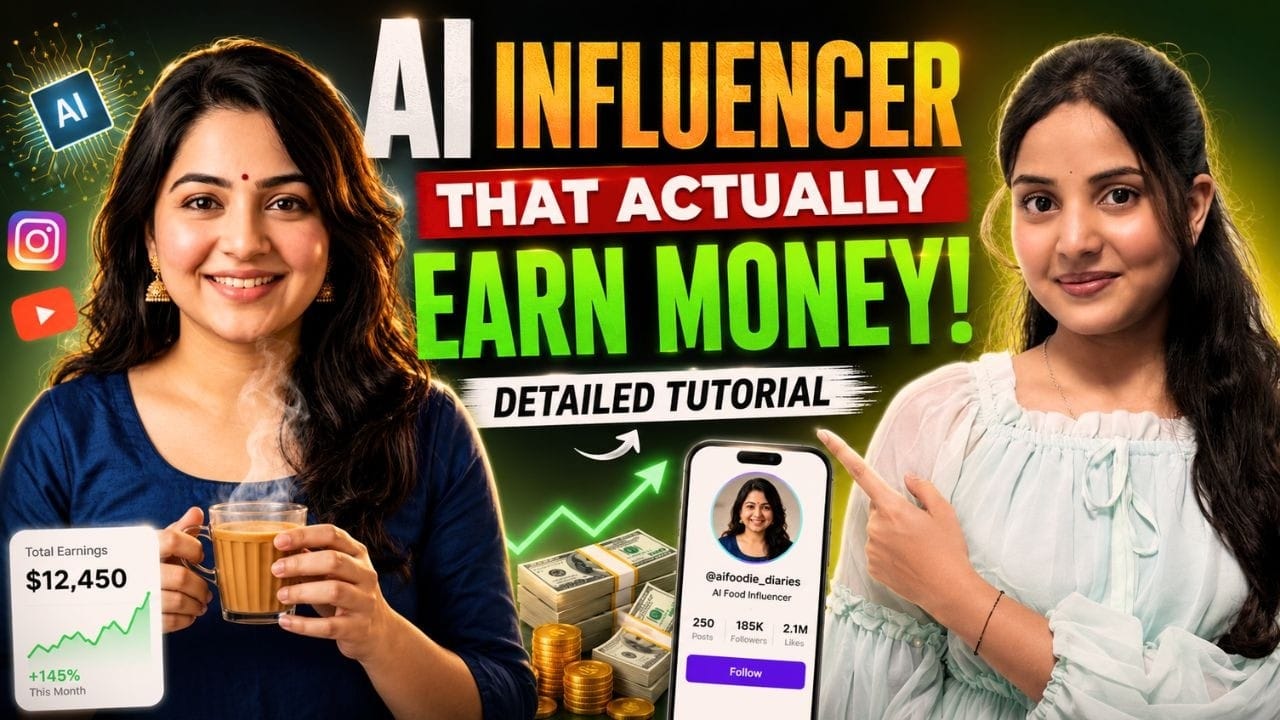
Let’s be real for a second…
AI influencers are trending, but most of them fail for one simple reason:
👉 They don’t feel real.
You’ve probably seen:
- Over-edited faces
- Weird motion
- Fake-looking expressions
And because of that…
👉 No engagement
👉 No trust
👉 No conversions
But here’s the opportunity:
If you can create AI influencers that feel human, you’re already ahead of 90% of creators.
This blog will show you a simple, repeatable system to create realistic AI influencer transition videos—even using free tools.
🧠 Understanding the Game First
Before jumping into tools, understand this:
👉 Realism = Consistency + Motion + Detail
If any one of these breaks, your content looks fake.
So the entire process is built around:
- Keeping identity consistent
- Using real-world motion
- Matching details perfectly
🎯 Step 1: Build Your AI Influencer Identity
Instead of randomly generating images, start with a clear reference.
Pick:
- A strong pose
- Clean lighting
- Realistic environment
Then convert that into a detailed prompt and generate your AI influencer.
💡 The goal is not “beautiful image”
👉 The goal is “believable human”
🎯 Step 2: Lock the Face (Most Important Step)
This is where most creators fail.
You don’t just generate images—you control identity.
Use this concept:
👉 Replace the model, not the scene
That means:
- Same pose
- Same outfit
- Same lighting
- Only face changes
Result:
✔ Perfect consistency
✔ Realistic output
✔ No AI distortion
🎯 Step 3: Micro Adjustments = Pro Level
Now refine your image like a professional editor.
Small changes matter:
- Add/remove accessories
- Adjust styling
- Improve sharpness
💡 One simple upgrade:
👉 Use high-quality keywords like “ultra realistic” or “8K”
This alone can dramatically improve output quality.
🎯 Step 4: Borrow Motion from Real Videos
Here’s the secret most people don’t know 👇
👉 Don’t try to create motion from scratch
Instead:
- Take a real video
- Extract key frames
- Use it as a motion reference
Why this works:
Because real motion is hard to fake—but easy to replicate.
🎯 Step 5: Apply Motion Control
Now connect your AI influencer with real motion.
Upload:
- Your AI image
- Reference video
Then apply motion control so your AI character follows the same movement.
💡 Important choice:
👉 Always select video-based motion, not random animation
🎯 Step 6: Create Smooth Transitions
This is where your video becomes “viral-ready”.
Process:
- Use two similar clips
- Cut at the exact action frame
- Replace with second clip
- Align motion perfectly
👉 When done right, the transition looks seamless and cinematic.
🚨 Common Mistakes (And How to Fix Them)
❌ Mistake 1: Using Random Trending Clips
Result: Motion looks unnatural
✅ Fix:
Use videos where:
- Focus stays on the subject
- Movement is smooth
❌ Mistake 2: Ignoring Frame Matching
Result: Bad transitions
✅ Fix:
Cut videos at exact same motion point
❌ Mistake 3: Overcomplicating Prompts
Result: Inconsistent output
✅ Fix:
Keep instructions clear:
👉 “Everything same, only change model”
❌ Mistake 4: Low Effort Editing
Result: Looks like AI
✅ Fix:
Spend time on:
- Cuts
- Timing
- Frame alignment
💰 Why This Skill Is Powerful
This is not just content creation—it’s a money-making skill.
You can use it for:
- AI UGC ads
- Brand collaborations
- Influencer-style content
- D2C product marketing
👉 Brands are actively looking for:
“Real-looking AI content”
🔥 The Real Advantage
Anyone can generate AI images.
Very few can create AI content that feels real.
That’s your edge.
If your content:
❌ Looks generated → People scroll
✔ Feels human → People engage
⚡ Simple Execution Formula
Identity → Consistency → Motion → Transition → Editing → Viral Output
🎯 Final Thought
AI is not replacing creators.
👉 It’s rewarding better creators.
If you focus on:
- Realism
- Detail
- Motion accuracy
You can build content that:
✔ Stands out
✔ Gets engagement
✔ Drives results
🚀 Action Step
Don’t just learn this…
👉 Create 1 video today using this workflow
Because in AI content—
Execution beats knowledge every time.