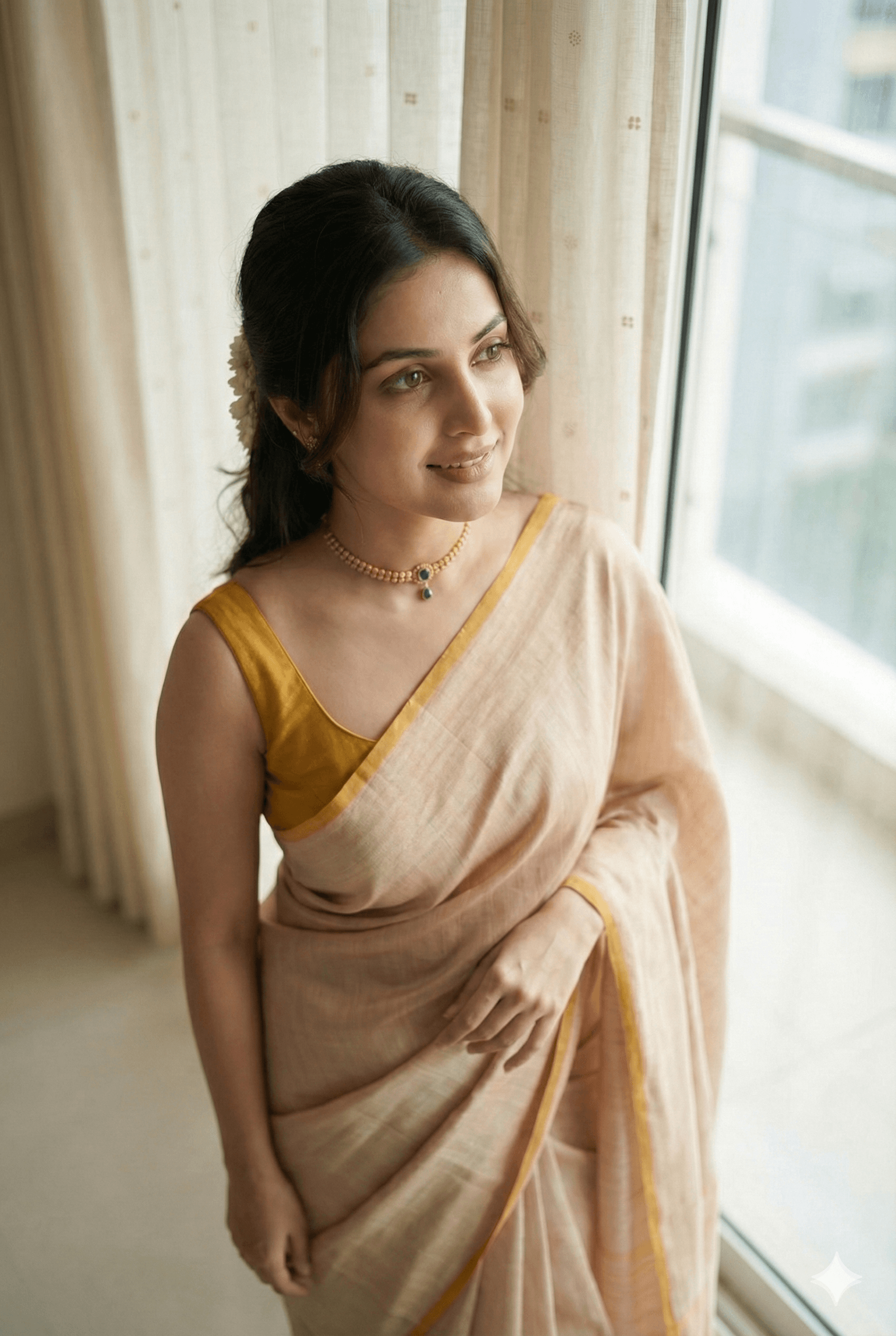
What if you didn’t need a photoshoot anymore?
What if YOU became your own AI model, wearing any outfit, in any location, anytime?
This is possible—and surprisingly easy.
The Core Idea: Face Match + Smart Prompting
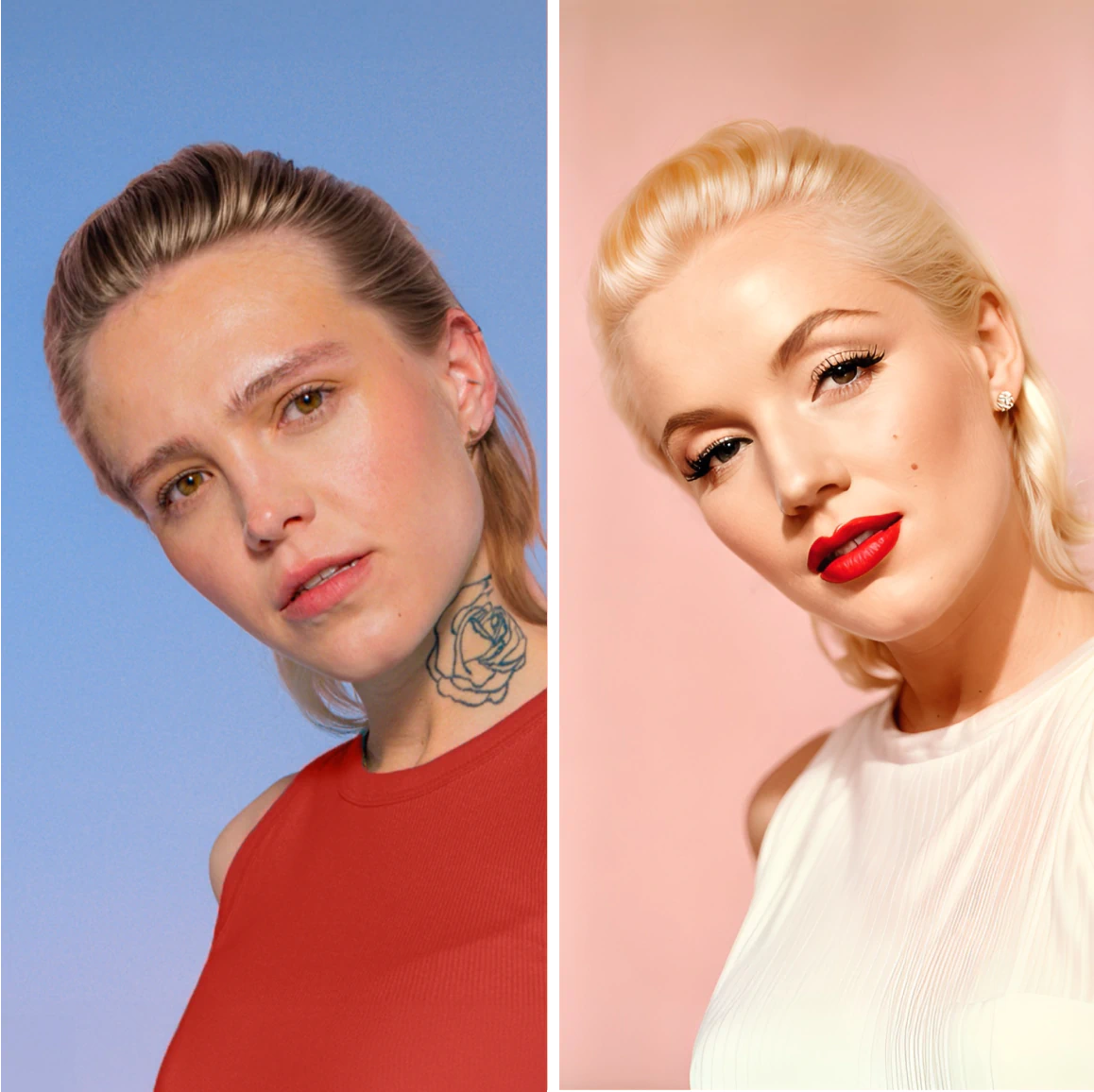
AI can recreate your real face if you guide it correctly.
You don’t need:
- Complex training
- Multiple datasets
- Expensive tools
You just need 2 smart prompt lines.
The Magic Lines to Add
Inside your prompt, after the character description, add:
“Exact same face as uploaded image character, 100% face matchability”
And at the end:
“Keep the character face exactly the same age as reference image”
Now upload your photo and generate.
What Happens Next?
- AI copies your facial structure
- Matches skin tone naturally
- Preserves age and expressions
- Applies outfits & environments flawlessly
The output feels like a professional photoshoot, not AI.
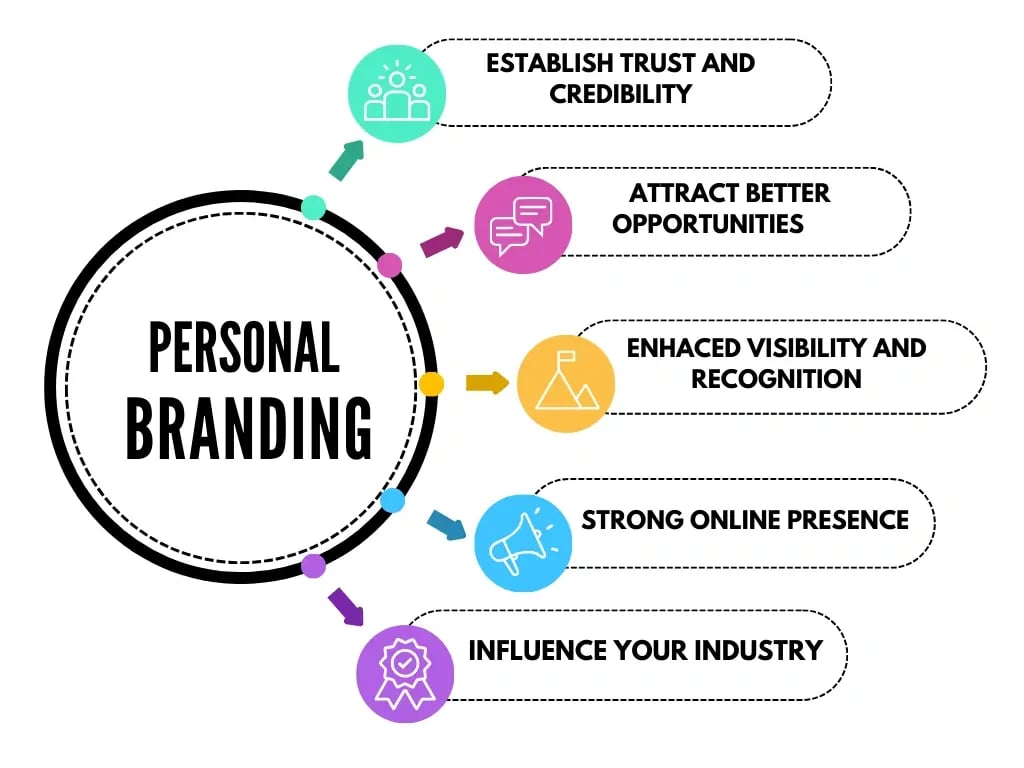
Why This Is Powerful for Brands
You can now:
- Create unlimited brand photos
- Maintain consistent face identity
- Avoid reshoots and models
- Build a virtual brand ambassador
And yes—the skin still looks real, not plastic.
Full Video Walkthrough
For a complete demo and prompt explanation, watch here:
👉 https://www.youtube.com/watch?v=QFYXNWYJetw
🚀 Final Tip for All AI Creators
AI realism =
Prompt precision + texture control + face consistency
If even one part is missing, the image fails.