Just a few months ago, creating cinematic transition videos felt impossible without expensive tools, editors, or production teams. Smooth camera motion, luxury lighting, and professional transitions were things only big brands could afford.
Today, AI has changed everything.
In this blog, you’ll discover how to turn AI-generated images into cinematic transition videos for free, using a simple workflow that anyone can follow—even beginners.
👉 Full video walkthrough:
🔗
The Shift: Images Are No Longer Enough
AI images are everywhere. But what separates average content from premium content is motion.
Movement adds:
- Emotion
- Realism
- Brand value
- Viewer retention
That’s why cinematic AI videos are becoming the new standard on Instagram, YouTube Shorts, and ads.
Step One: Generate Cinematic AI Images
The journey begins by creating AI images with professional composition and camera angles.
Instead of spending hours tweaking settings, creators now use pre-designed cinematic prompts. These prompts are flexible, meaning:
- You can change the model image
- Keep the same prompt
- Still get consistent results
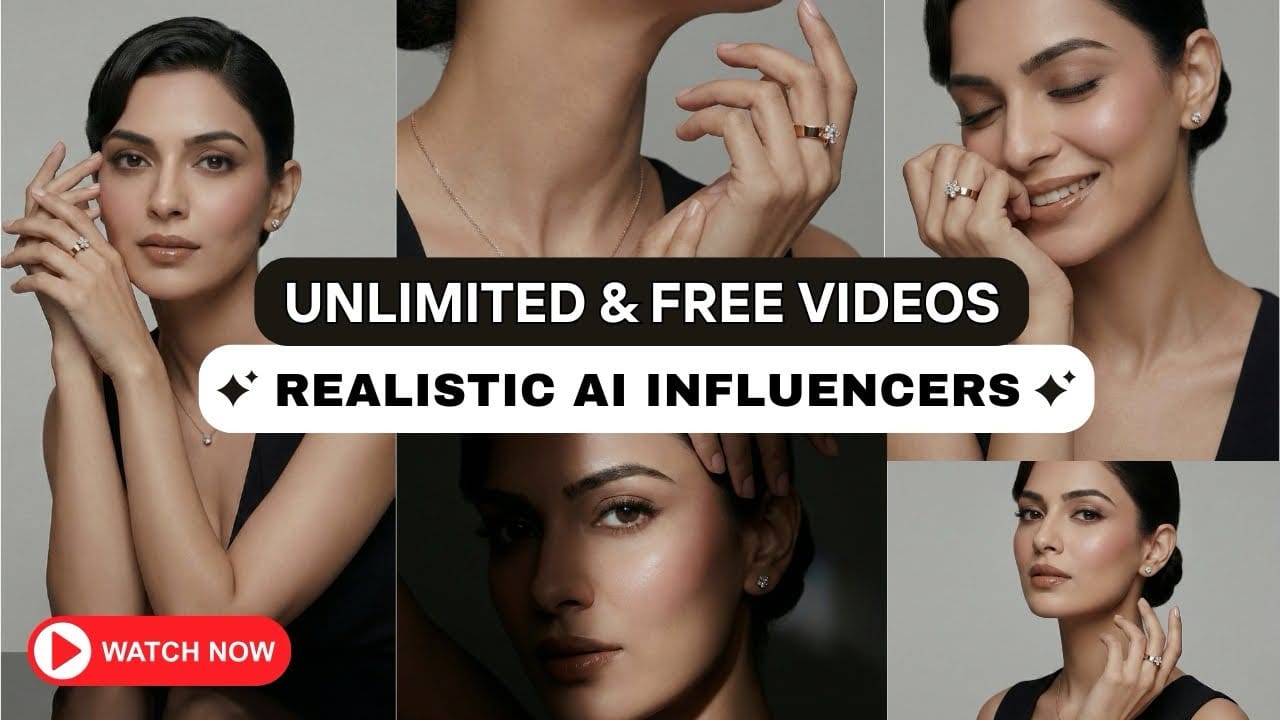
This is extremely powerful for creators building AI influencers or brand visuals.
Step Two: Choose Start & End Frames
Once images are ready, you don’t need dozens of frames.
Just:
- One image for the start
- One image for the end
AI fills the motion between them.
This is where cinematic storytelling begins.
Step Three: Convert Images into Motion
Now you take both images and upload them into an AI video generation tool that supports frame-to-frame transitions.
This feature allows:
- Smooth camera movement
- Natural pose transition
- Realistic lighting shifts
No timeline editing. No keyframes. Just AI doing the heavy work.
Step Four: Let AI Write the Motion Direction
Most people fail here because they don’t know how to describe motion.
Instead of struggling, creators simply upload both images to ChatGPT and write one line:
“Create smooth cinematic motion from the first frame to the second, like a luxury brand shoot.”
That’s it.
The AI generates a professional motion instruction you can reuse again and again.
Free Version Reality Check
Here’s what surprises most creators:
The free version delivers almost the same cinematic quality as the paid one.
The only limitation is:
- Fewer generations per day
But the results?
- Smooth
- Clean
- Cinematic
- Professional
This makes AI video creation accessible to everyone, not just agencies.
What the Final Video Feels Like
When the video renders, you’ll notice:
- No harsh cuts
- No robotic motion
- No cheap animation feel
Instead, it looks like a high-budget brand commercial.
That’s the real power of AI today.
Who Can Benefit Most?
This method is ideal for:
- Solo creators
- Influencers
- AI educators
- Small businesses
- Freelancers
- Digital marketers
If you know how to use this workflow, you’re already ahead of 90% of creators.
Closing Thoughts
Cinematic content is no longer about budget—it’s about knowing the right process.
With AI tools, smart prompts, and creativity, you can now produce:
- Realistic AI influencers
- Cinematic transition videos
- Luxury brand visuals
- All without spending money
🎥 Watch the full tutorial step-by-step: