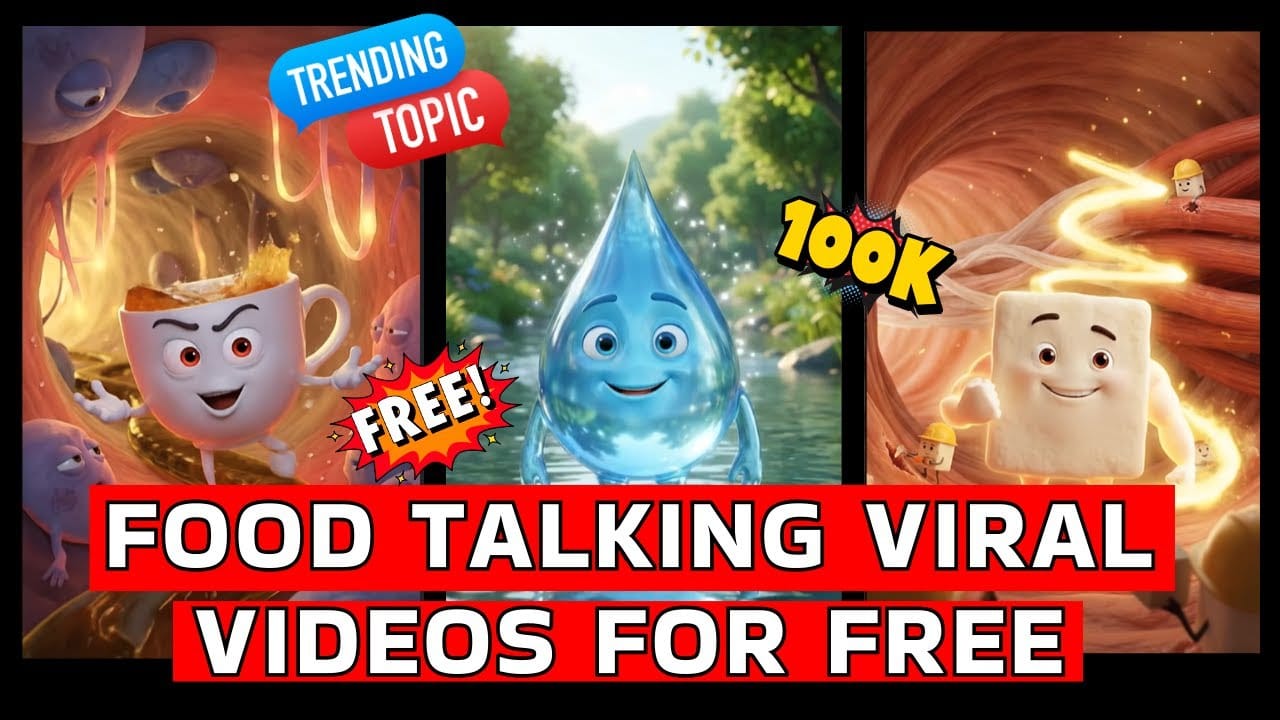
Today, social media platforms like YouTube Shorts and Instagram Reels are full of creative AI videos. One of the most popular trends right now is Food Talking and Object Talking Videos. In these videos, common items like tea cups, burgers, and ice creams talk like humans.
Many creators are growing their channels very fast using this method. Some get thousands of followers by uploading just a few videos.
In this blog, you’ll learn step by step how to create these viral videos using AI.
Watch the full tutorial here:
What Are Object Talking Videos?
Object talking videos are AI-generated clips where food or daily items behave like humans. They can:
- Walk
- Talk
- Show emotions
- Give messages
These videos are fun, engaging, and easy to watch, which makes them perfect for social media.
Step 1: Find a Reference Image
First, search for viral object talking videos on YouTube or Instagram.
Take a screenshot of any trending video.
Open ChatGPT and upload that image.
This helps AI understand what kind of image style you want.
Step 2: Create a Detailed Prompt
After uploading the image, ask ChatGPT to describe it in detail.
Example:
“Create a detailed prompt for this image.”
Copy the generated description.
Step 3: Convert Prompt into Template
Paste the copied prompt into a new chat.
Add this instruction:
“Convert this into a customizable prompt where I can change character, background, and theme.”
ChatGPT will now give you a reusable template.
Step 4: Customize Your Idea
Fill the template with your own ideas.
Example:
- Character: Ice Cream
- Background: Chocolate factory
- Miniatures: Tiny chefs
- Lighting: Soft studio light
Submit it and get your final prompt.
Step 5: Generate AI Image
Use this final prompt in an AI image generator.
Download the generated image.
Step 6: Animate Using Google Flow
Go to Google Flow → Frames to Video.
Upload your image.
Write motion instructions like:
“I want this ice cream walking and saying hello.”
Submit and wait for video generation.
Step 7: Download and Upload
Download your video.
Upload it to Shorts, Reels, and Facebook.
Use trending hashtags.
Post regularly.
Tips for Success
- Upload daily
- Use simple dialogues
- Keep videos short
- Test different ideas
Benefits
- No camera needed
- No editing skills
- Works from home
- Low cost
- High growth
Conclusion
AI object talking videos are perfect for beginners. You don’t need experience or expensive tools. Just follow this method and stay consistent.
Watch full guide here: