The world of social media is constantly evolving, and artificial intelligence is playing a major role in this transformation. From AI-generated images to AI voiceovers, technology is making content creation faster and easier than ever before.
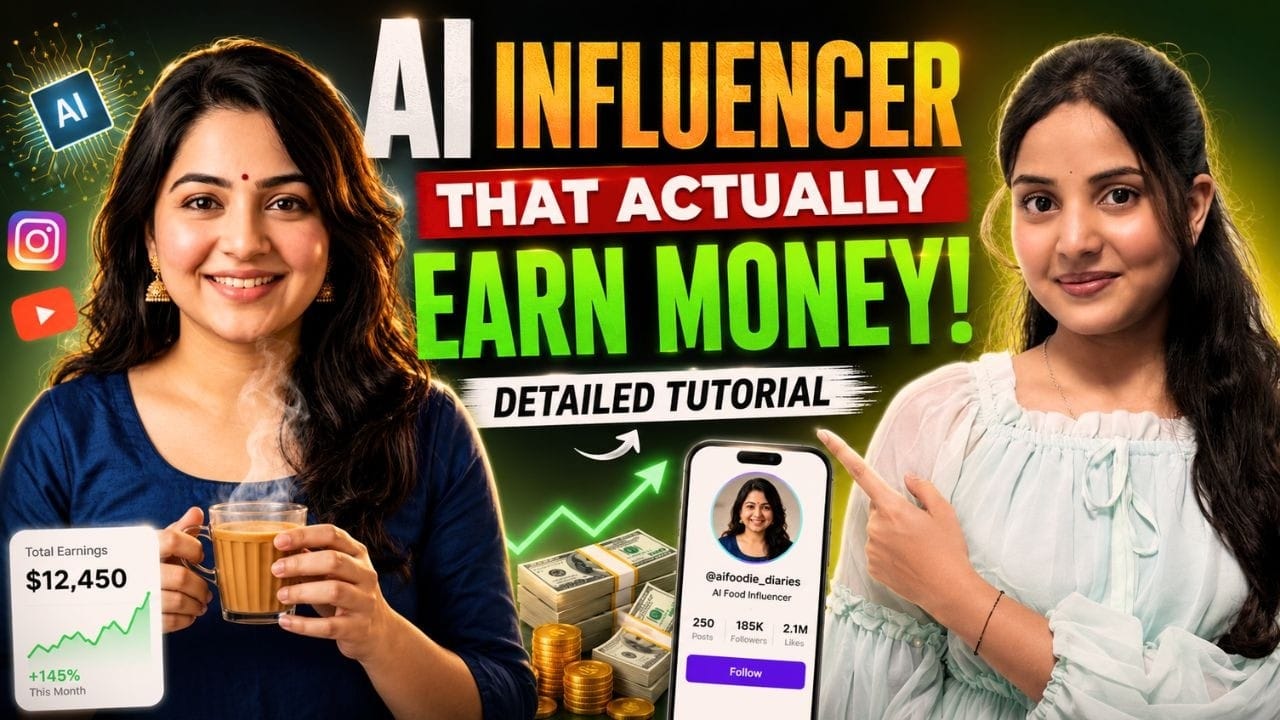
One of the most exciting innovations today is the rise of AI influencers.
These digital personalities look just like real humans, but they are completely created using artificial intelligence. They can talk, smile, express emotions, and deliver messages just like real influencers.
Many viral videos on social media now feature AI influencers, and most viewers can’t even tell that the person in the video isn’t real.
The best part is that creating your own AI influencer is easier than you might think.
Creating the Influencer Image
The process starts with generating an image of your influencer.
You can do this using Google Gemini, which includes powerful AI image generation tools.
Inside Gemini, select the option to create an image and enter a prompt describing your influencer.
Your description can include details like:
- Age
- Gender
- Facial features
- Hairstyle
- Skin tone
- Clothing style
- Background environment
For example:
A young stylish Indian influencer with long dark hair, natural makeup, confident expression, wearing trendy casual clothing, standing in a modern studio environment.
This prompt tells the AI exactly what type of character to generate.
You can customize every aspect of the influencer to match your vision.
Downloading the Generated Image
Once the AI generates the image, you will see a preview.
Sometimes the preview might appear slightly blurry, but after downloading the image, you will see that the quality is actually much sharper.
This image will serve as the main character for your AI influencer video.
Animating the Influencer
To make your influencer talk, you need to animate the image.
This can be done using AI animation tools such as Groq or similar platforms that support image animation.
Upload your influencer image and select the animate image option.
The tool will analyze the image and prepare it for animation.
Writing the Script
Next, write a short script for your influencer.
For example:
“Hello friends! Today I’m going to show you something amazing that can completely change the way you create content.”
You can also include instructions about how the influencer should behave while speaking.
For example:
- Friendly tone
- Smiling expression
- Light hand gestures
These small details help make the final video more engaging and realistic.
Generating the Final Video
After entering the script and instructions, click generate.
Within a few moments, the AI will create a video where your influencer speaks naturally while maintaining realistic expressions and movements.
You can then download the video and share it on platforms like YouTube Shorts, Instagram, or TikTok.
Why AI Influencers Are the Future
AI influencers are becoming extremely popular because they allow creators to produce content quickly and efficiently.
They remove many traditional challenges such as:
- Hiring models
- Recording voiceovers
- Setting up cameras
- Editing complex footage
Instead, everything can be created using AI tools.
For content creators and marketers, this technology opens the door to unlimited creativity.
Final Thoughts
AI influencers represent the future of digital storytelling. With just a few simple steps, anyone can create a realistic digital personality and use it to share ideas, promote products, or entertain audiences.
Tools like Google Gemini and AI animation platforms are making this technology accessible to everyone.
If you are a content creator or digital marketer, learning how to create AI influencers can give you a powerful advantage in the world of online content.